



.JPG.3e2a224f1aa8294ee7dd06c1a013c963.JPG)
.jpg.fd5f0ac9a9d2ff0cf535a3f6b922583e.jpg)


.jpg.93adc8e351e01216d0ff0894061e5b89.jpg)

By honesttjohn
- 1,447 views
- View honesttjohn's images
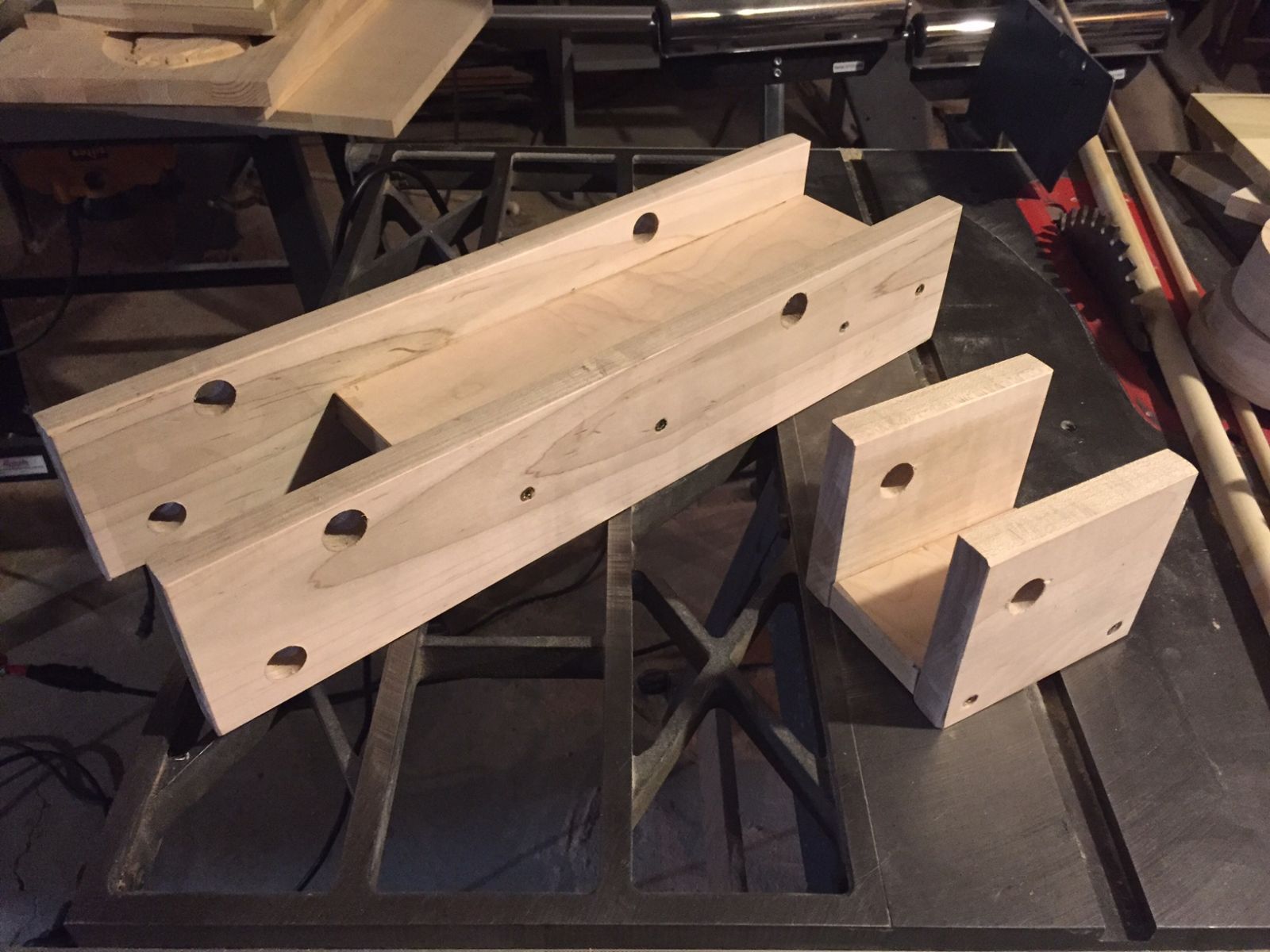
Started with the main frame. Since I've never done this before and it was for my grandson, I used Titebond Ultimate and then used construction screws for good measure. I don't think I needed the screws cause the glued up parts were really solid. If I make any more of these, I'll just clamp and glue. This was going to take a while to make just a single unit, but if the parts were all cut and available, with knowing what fit where I may make a few more to try and sell. I won't put Caterpillar out of business, that's for sure.
Recommended Comments
Join the conversation
You are posting as a guest. If you have an account, sign in now to post with your account.
Note: Your post will require moderator approval before it will be visible.