Skip to content
View in the app

A better way to browse. Learn more.

The Patriot Woodworker

A full-screen app on your home screen with push notifications, badges and more.

To install this app on iOS and iPadOS
  1. Tap the Share icon in Safari
  2. Scroll the menu and tap Add to Home Screen.
  3. Tap Add in the top-right corner.
To install this app on Android
  1. Tap the 3-dot menu (⋮) in the top-right corner of the browser.
  2. Tap Add to Home screen or Install app.
  3. Confirm by tapping Install.

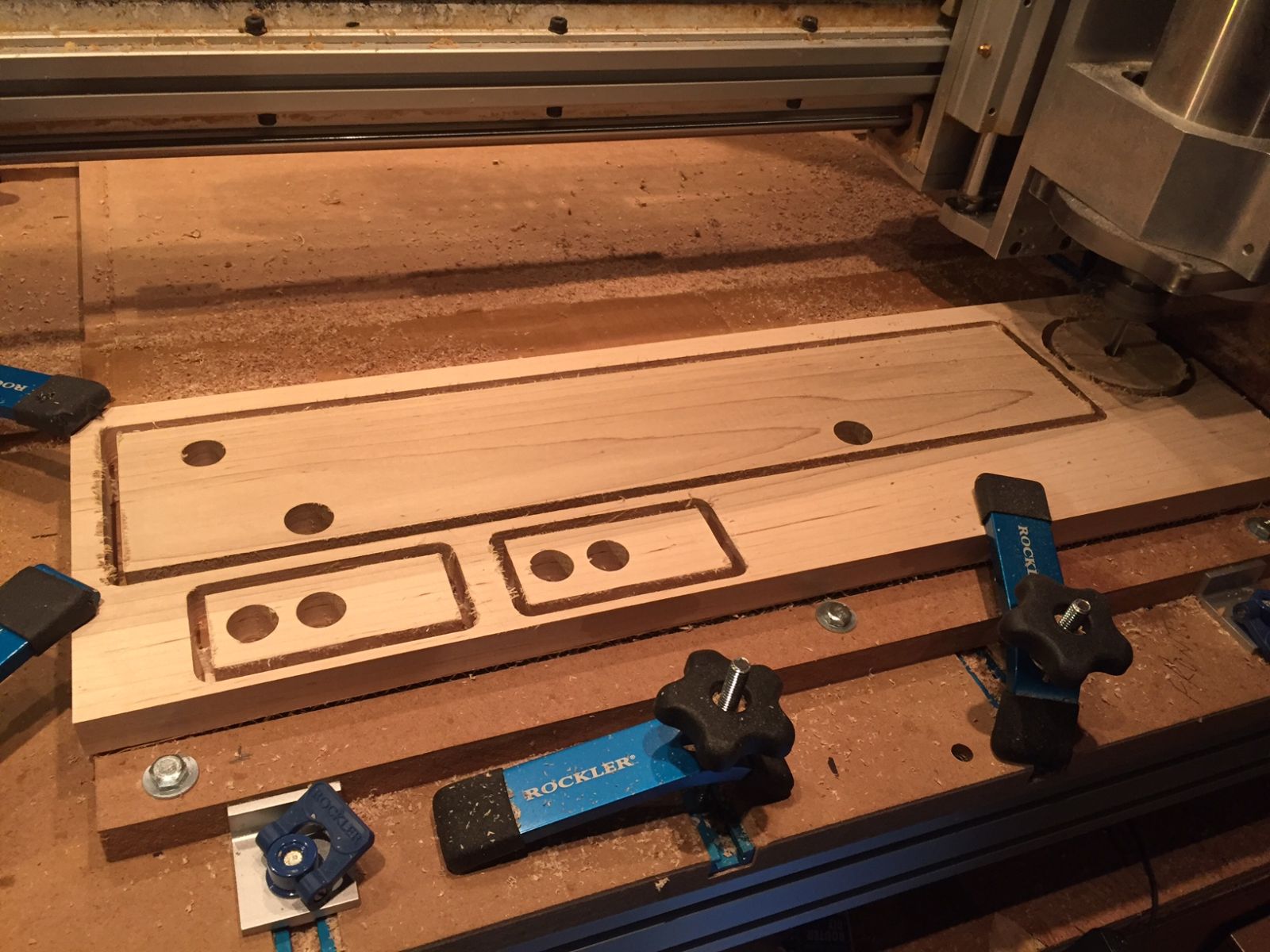
Cutting the frame

Actually, I didn't have to use the CNC to cut any of the parts.  But, they were all uniform, the holes lined up, and I'm sure it saved some time doing it all by hand, and risking just being a little off - especially the holes that the dowel rods had to go thru connecting the right side to the left side.  Besides, I had wanted to see if I could make parts that actually made something.

From the album:

Construction Truck

· 12 images

Photo Information

  • Taken with Apple iPhone 6
  • Focal Length 4.2 mm
  • Exposure Time 1/30
  • Aperture f/2.2
  • ISO Speed 125

The Patriot Woodworker

A woodworking community built on craftsmanship, fellowship, and respect for those who serve. We proudly support our veterans and active-duty military members.

Forum Navigation

Community

United States Military Service Branches
© 2010 The Patriot Woodworker. All Rights Reserved.
Built on craftsmanship, integrity, and respect.

Account

Navigation

Search

Search

Configure browser push notifications

Chrome (Android)
  1. Tap the lock icon next to the address bar.
  2. Tap Permissions → Notifications.
  3. Adjust your preference.
Chrome (Desktop)
  1. Click the padlock icon in the address bar.
  2. Select Site settings.
  3. Find Notifications and adjust your preference.