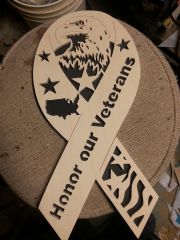
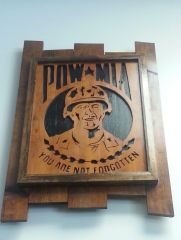
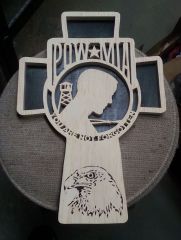
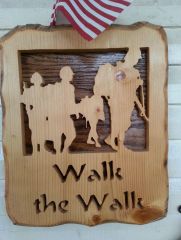
This is the first piece of the year since I fell yet again due to my feet with a va screw up (sigh). However this will be displayed at the vet center in White Oak Pa. Thank you for looking
You are posting as a guest.
If you have an account, sign in now to post with your account.
Note: Your post will require moderator approval before it will be visible.







Recommended Comments
Join the conversation
You are posting as a guest. If you have an account, sign in now to post with your account.
Note: Your post will require moderator approval before it will be visible.