


Bill Kappel
Album created by
Bill ·
Updated
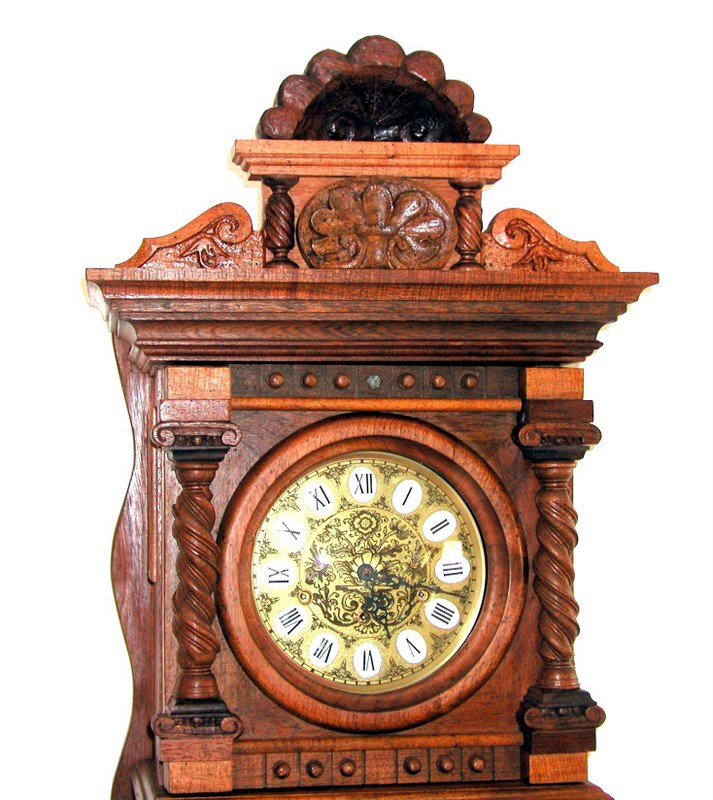
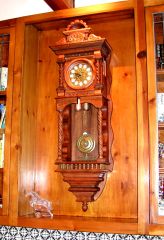
Wall Clock made of Mesquite with Opel, ivory accents.
Gift boxes made of fossils, Claro Walnut, Mesquite and epoxy.
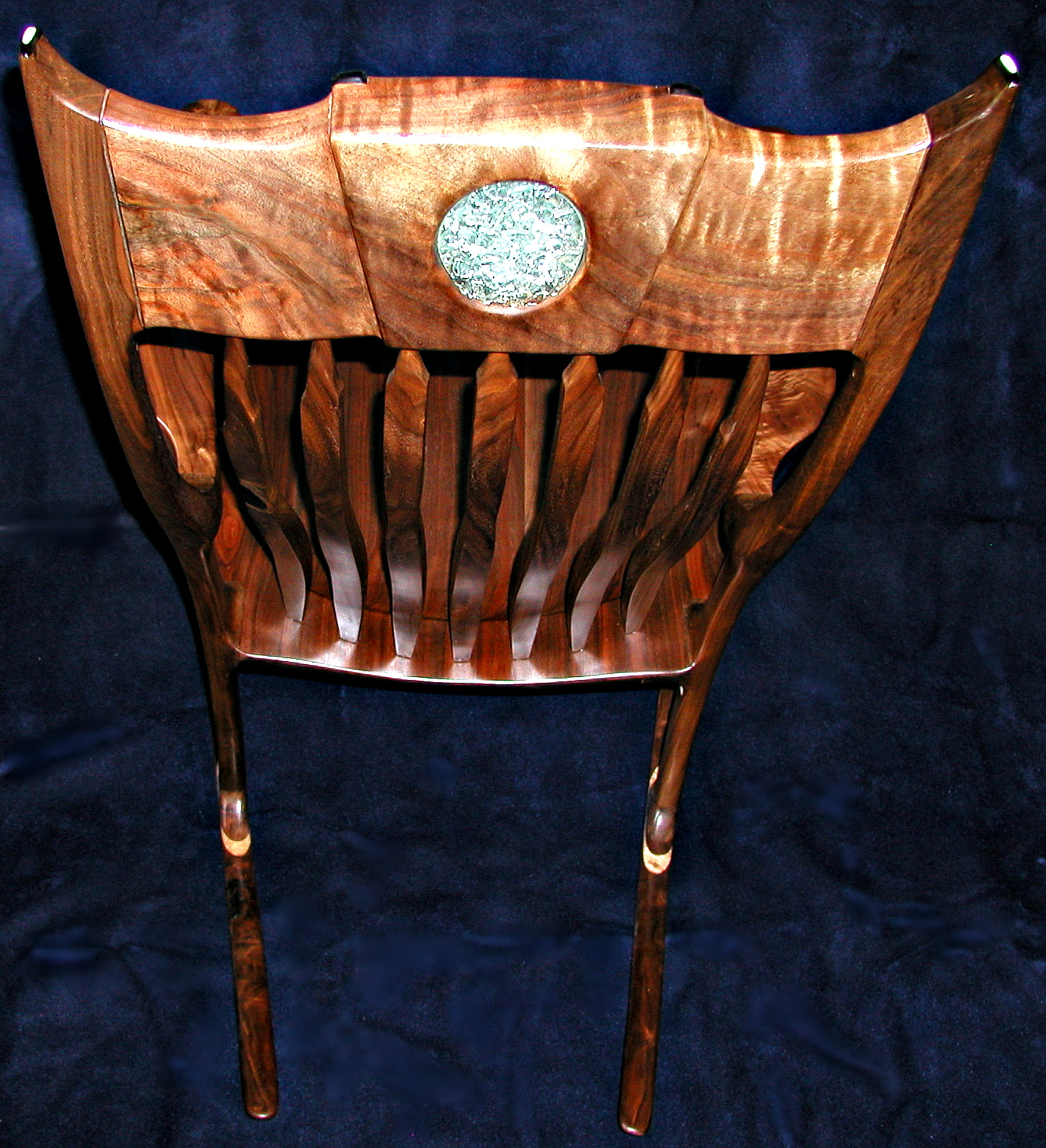
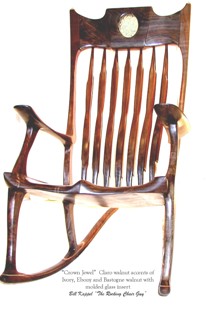
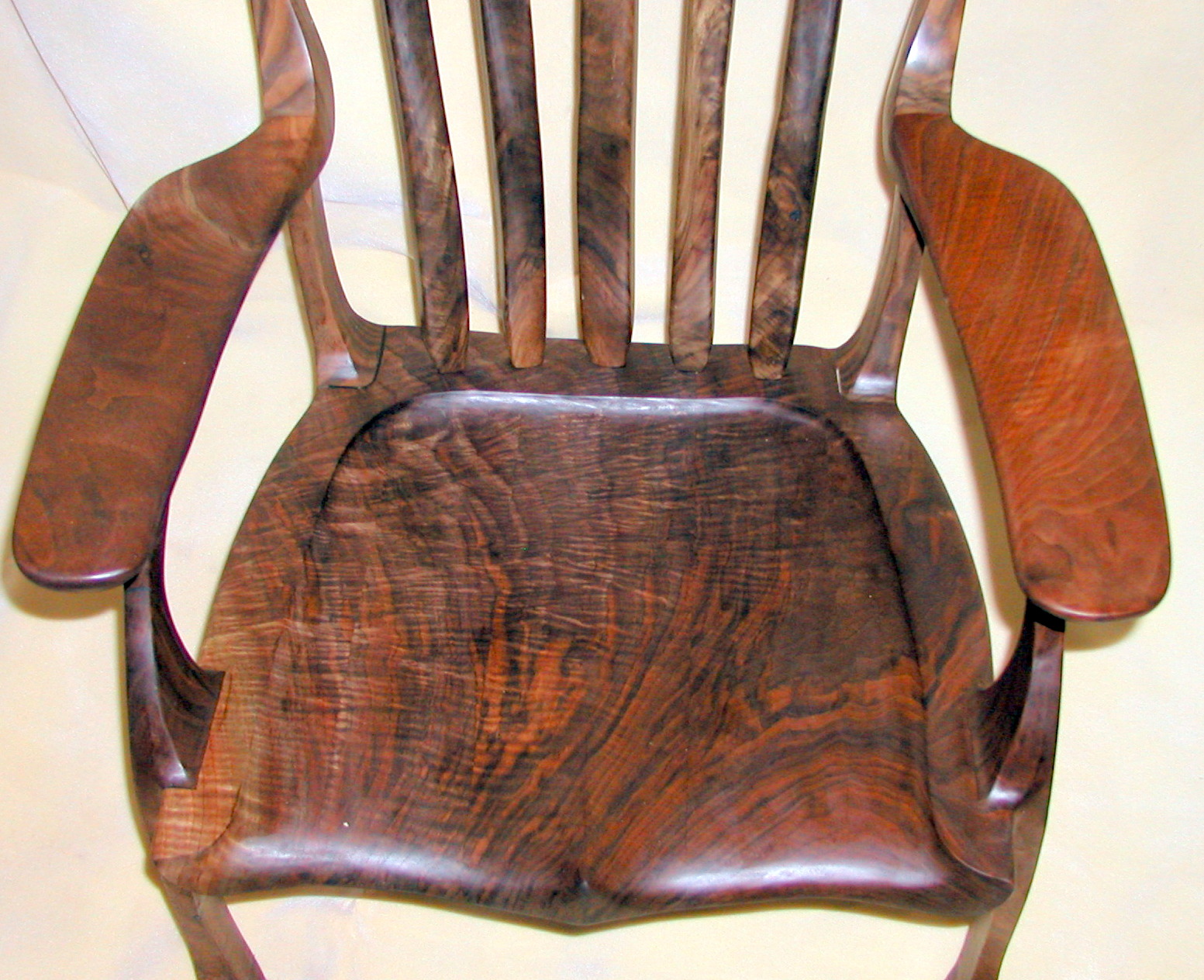
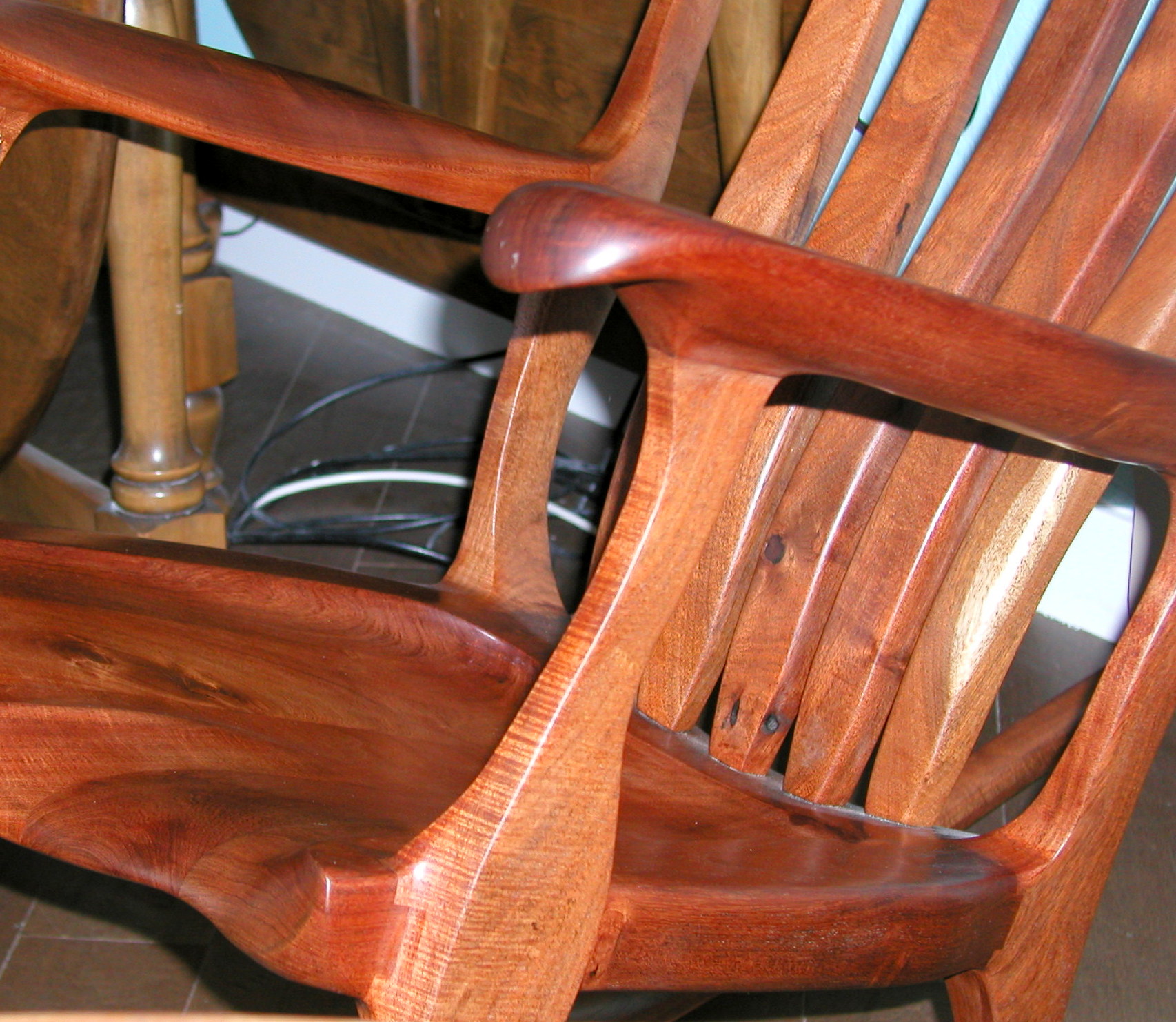
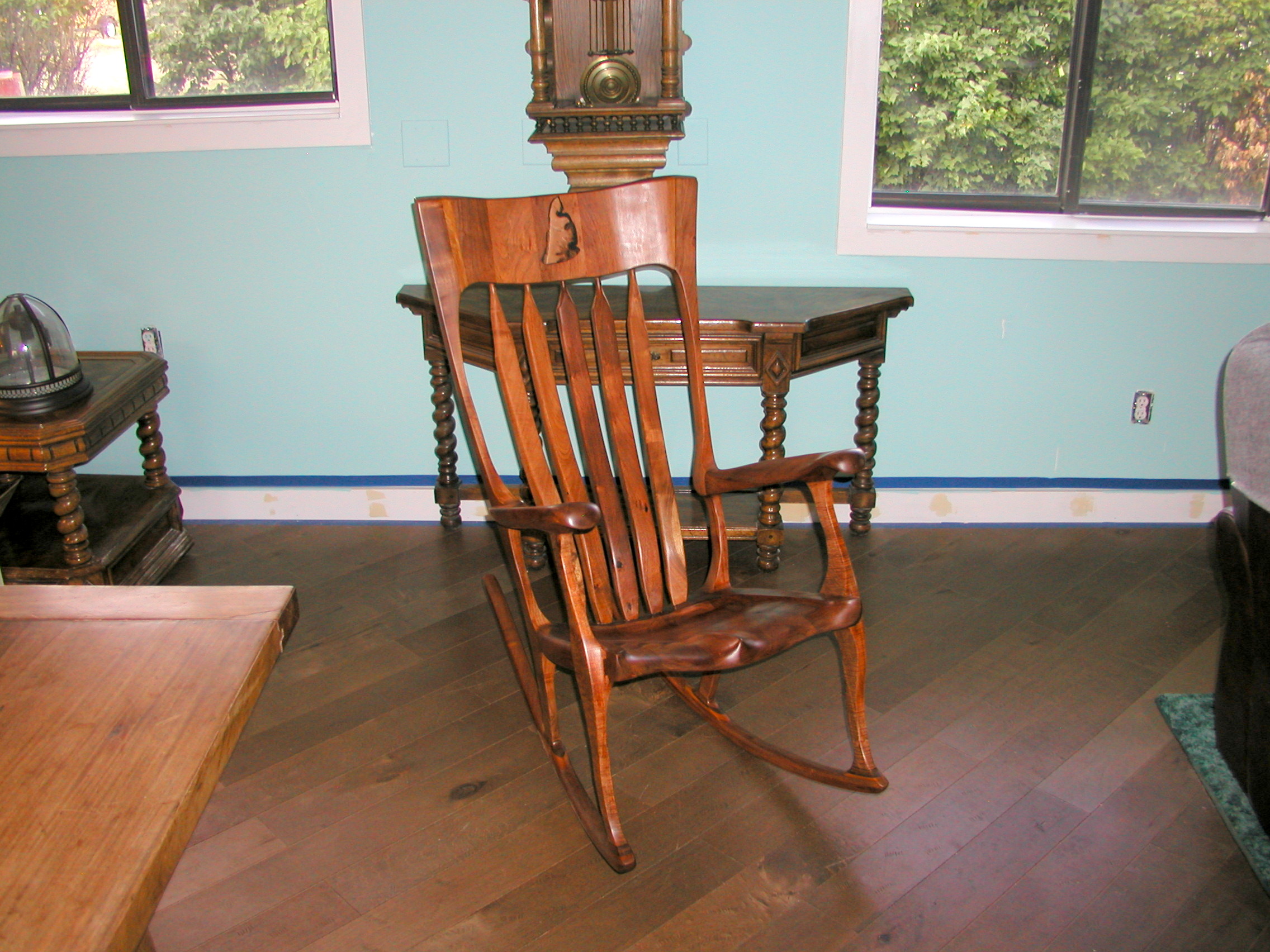
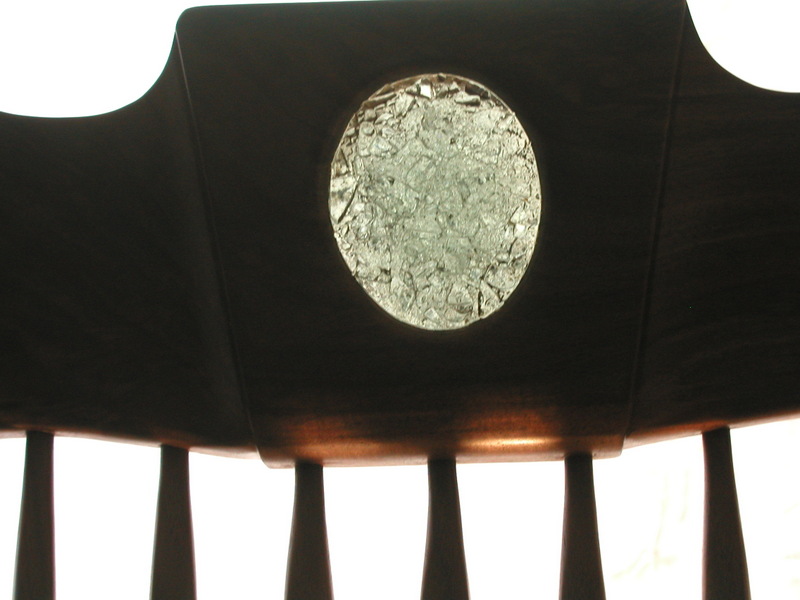
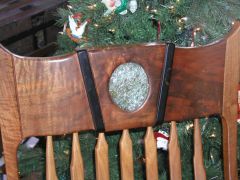
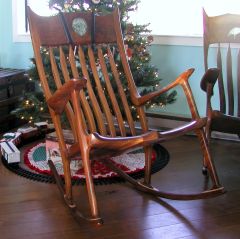
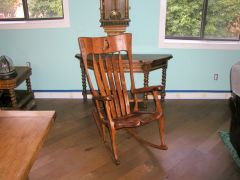
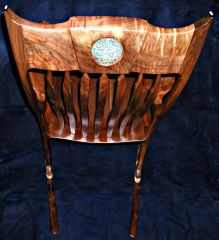
Crown Jewell rocker made of Claro Walnut with Ivory, Ebony and molded glass accents. It has a 'Ranch' front leg.
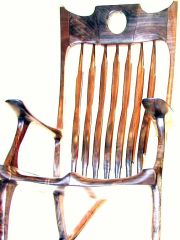
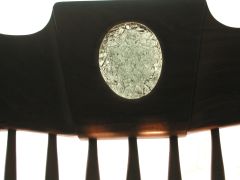
Heron rocker made of Bastogne Walnut with molded glass, Ivory and ebony accents. Note the 'Ranch' front leg
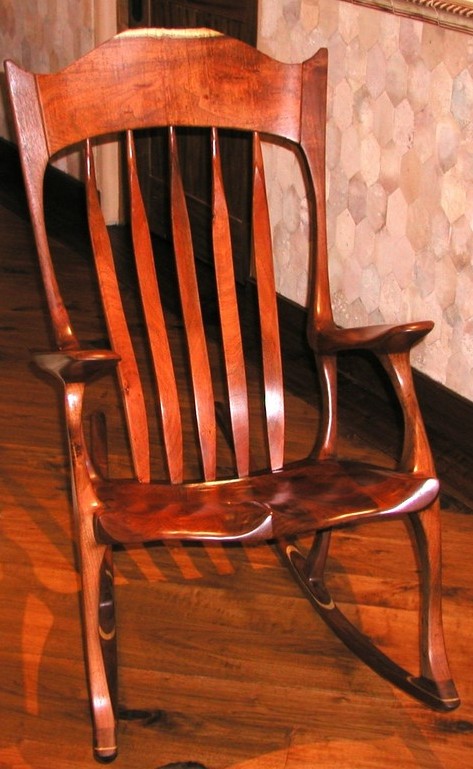
Reader Rocker made of Claro Walnut with molded glass, Ivory and Ebony accents.
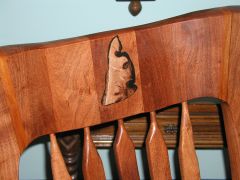
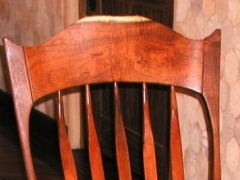
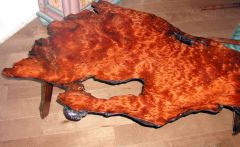
Mesquite inlay is made of Argentine Mesquite with a Burled inlay in the Headrest.
Sorry the pictures don't show in full size.









28 images
-
By Bill · 2 comments
-
By Bill · 2 comments
-
By Bill · 1 comment
-
By Bill · 1 comment
-
By Bill · 1 comment
-
By Bill · 1 comment
-
By Bill · 1 comment
-
By Bill
-
By Bill
-
By Bill
-
By Bill
-
By Bill
-
By Bill
-
By Bill
-
By Bill
-
By Bill
-
By Bill
-
By Bill
-
By Bill
-
By Bill
-
By Bill
-
By Bill
-
By Bill
-
By Bill
-
By Bill
-
By Bill
-
By Bill
-
By Bill










Gallery Statistics
- Images 3.3k
- Comments 3.2k
- Albums 352
0 Album Comments
There are no comments to display.
Join the conversation
You can post now and register later. If you have an account, sign in now to post with your account.
Note: Your post will require moderator approval before it will be visible.