


By lew
· 1,775 views
For such a simple table, this thing has run me through the funnies big time.
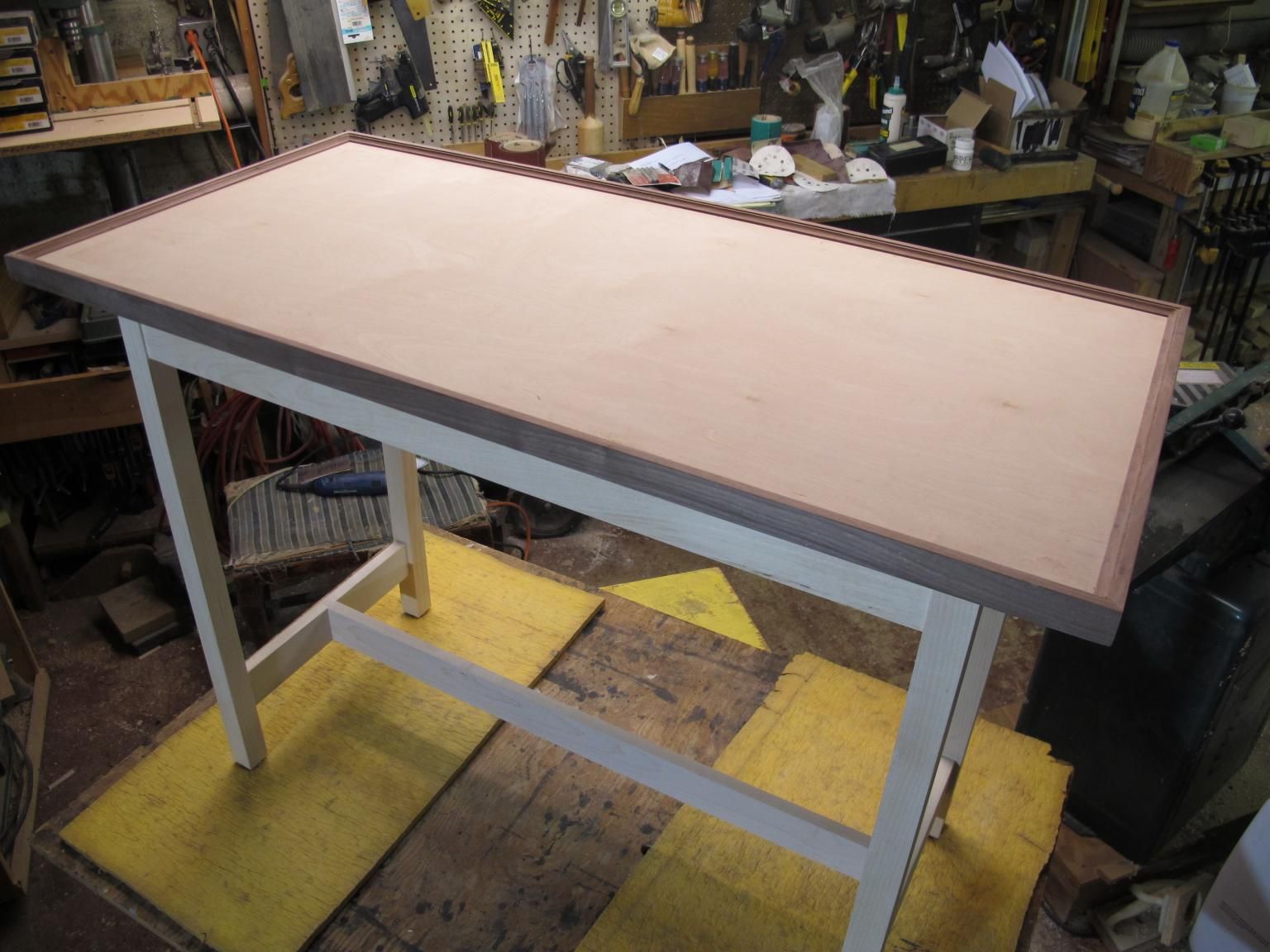
Everything started out pretty good. The walnut trim, for the top, was made by multiple passes over several different router bits to get the desired profile.


It'll take a little sanding to smooth things out but I am happy with the results.
Next I turned to the legs. I milled down some 1 3/4" maple into 1 3/8" square blanks. Then laid out the locations of all of the mortises for the aprons and stretchers. Cut an extra piece for testing, too. I was really please as to how straight the legs were off the saw. Usually there's some twisting/warping but these stayed straight.
Using the hollow chisel mortiser to create the openings

Prepped the legs layout

Punched out all of the holes-

For me, it is so easy to get confused as to the orientation of parts. I need to label everything to make sure I don't mix them up.

I thought I was on a roll at this point but fate had something else in store. From here everything went to "you-know-where" in a very big hand basket.
Next part- the failures.
Recommended Comments
Join the conversation
You are posting as a guest. If you have an account, sign in now to post with your account.
Note: Your post will require moderator approval before it will be visible.