

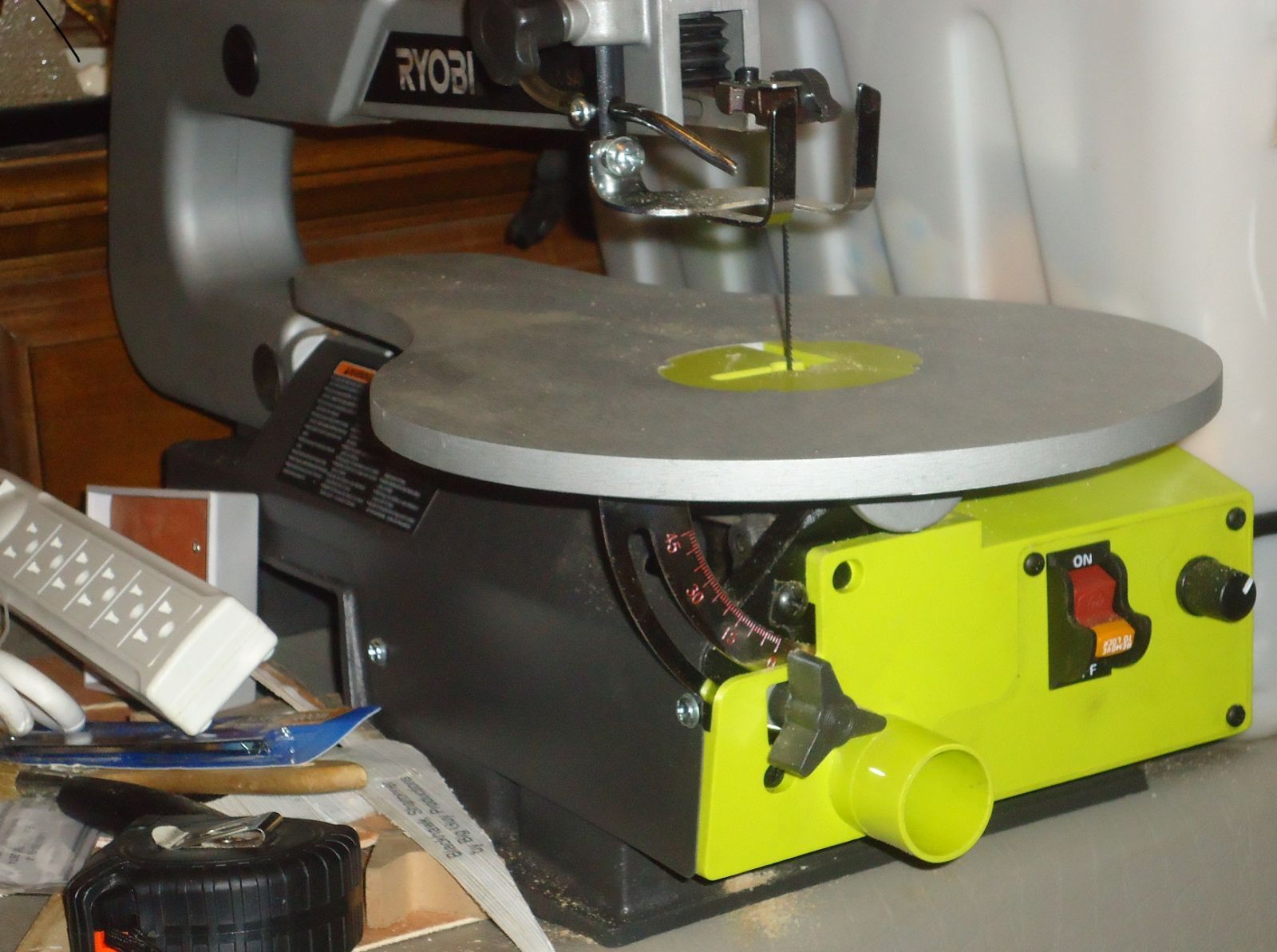


The Green Machine. Ryobi SC165VS Scroll Saw. View One of Two

By Ernie Richardson (BAA Bugler)
- 2,969 views
- View Ernie Richardson (BAA Bugler)'s images
View one of two Thanks to a gift from some generous friends, my shop has grown by 33%. I went from 2 machines (lathe and grinder) to three with the addition of this Ryobi Scroll Saw. I plan to use it for sawing pen blanks to length and also plan to learn how to really scroll. It's been sixty years since I used a machine that's sort of like this. There was a Delta "Jig Saw" in the Woodshop in fifth grade elementary school. All fairly large comparitively (width and length) pin end blades. Now I have the facilty of using both pen end and plain end blades from large to very tiny which will open up a whole new area of woodworking to me. I've been reading a lot, viewing YouTube videos and I've deven downloaded a couple of patterns that will really challenge me to grow. I hope to have something neat to show everyone in a few Months. Gotta learn to creep, then walk then run - scrolling skill wise
Recommended Comments
Join the conversation
You are posting as a guest. If you have an account, sign in now to post with your account.
Note: Your post will require moderator approval before it will be visible.