# magnets
-
- bowls
- cindy drozda
- faux ceramic
- finials
-
Tagged with:
- bowls
- cindy drozda
- faux ceramic
- finials
- glue press
- gouge grinds
- hollowing
- jaho
- jim rodgers
- keepsake tree
- lyle jamieson
- magnets
- mcnaughton coring
- mike peace
- multisided bowl
- off center
- pens
- q&a sharing
- richard raffan
- ringmaster
- ron brown
- sam angelo
- scott hampton
- segments
- todd raines
- tomislav tomasic
- tool talk
- wednesday
- wisdom
- woodturning
-
-
- beads of courage
- birds beak
- bowls
- burls turning
-
Tagged with:
- beads of courage
- birds beak
- bowls
- burls turning
- embellishments
- ewt cutters
- favorite wood
- gwinnett woodworkers
- jaho
- key ring
- lyle jamieson
- magnets
- mike peace
- paint
- parts
- proportions
- question
- refrigerator
- ron brown newsletter
- sam angelo
- scott hampton
- shapes
- turned boxes
- vase
- wednesday
- what lathe
- whats off
- whats on
- wisdom
- woodturners
- woodturners wonders
-
-
-
- table saw
- jig
- inline skate
- wheels
-
Tagged with:
-
-
- metal
- old lumber
- ouji
- magnets
-
Tagged with:
-
-
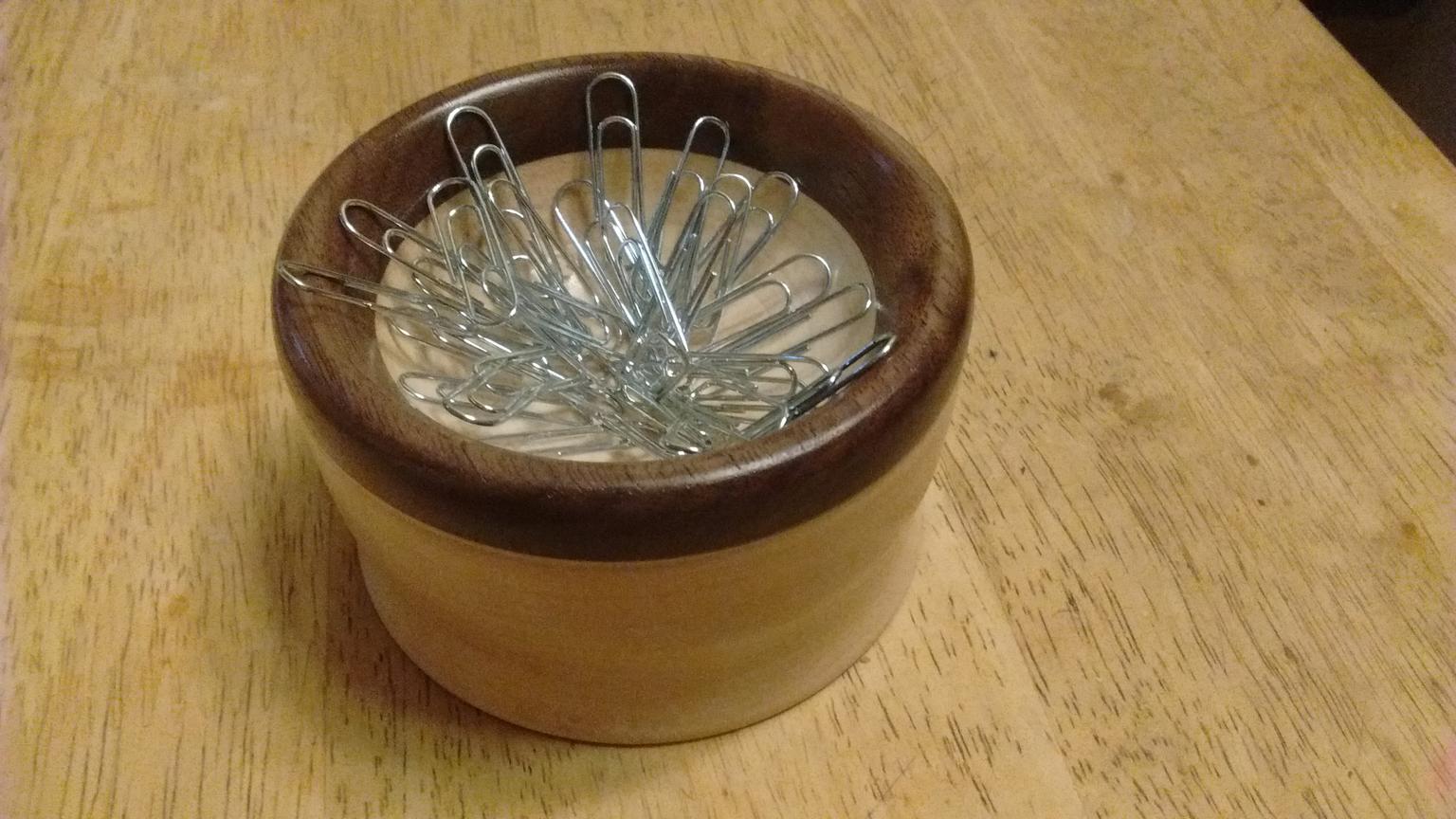
- bowl
- paper clip
- maple
- walnut
-
Tagged with:
-